She Lost Everything in a Fire. Then She Described Her Family Photos to an AI—And Got Them Back.
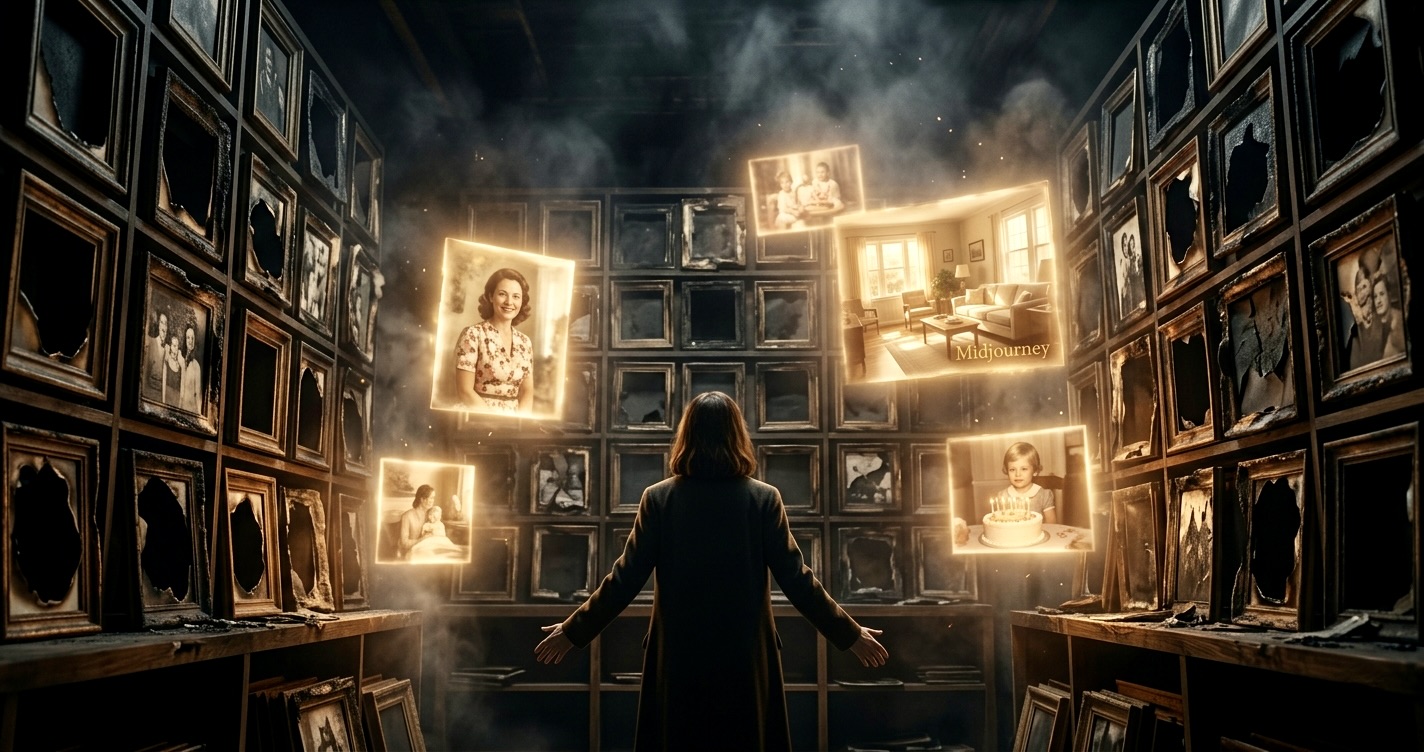
The Photo Album That Existed Only in Memory
There's a specific kind of loss that comes with fire damage. It's not just the house, the furniture, or the possessions. It's the irreplaceable things. The handwritten recipes. The baby blankets. The photographs.
For one woman, that loss meant 40 years of family memories—gone. No prints. No negatives. No cloud backup because these photos were taken long before anyone thought about "the cloud." Just ashes and the fading details she could still hold in her mind.
Then she did something that wouldn't have been possible even two years ago.
She described those photos to an AI. And she got them back.
When Memory Becomes the Only Negative
Here's what she remembered: A living room with afternoon light coming through lace curtains. Her mother standing near a floral couch, wearing a blue dress with white buttons. The way her father held his coffee cup. The wood paneling on the walls. The orange shag carpet that was so perfectly 1970s it hurt.
She typed these details into Midjourney, an AI image generator. She refined the prompts. Adjusted the lighting. Changed the dress color. Moved the furniture. Iterated dozens of times until something clicked—that feeling of "yes, that's it. That's how it was."
The result wasn't the original photograph. It couldn't be. But it was something she thought she'd never have again: a visual anchor for a memory that was starting to blur.
The Workflow: How People Are Actually Doing This
This isn't an isolated case. There's a quiet movement happening right now of people reconstructing lost photographs from memory. The process has become surprisingly specific:
Step 1: Memory Inventory
People start by writing down everything they remember. Not just who was in the photo, but:
- Time of day and lighting quality
- Clothing details and colors
- Room layout and furniture
- Approximate decade (for style accuracy)
- Facial features and expressions
- Background elements
- Camera angle and composition
Step 2: AI Generation
They're using tools like:
- Midjourney v6 (known for photorealistic results)
- Adobe Firefly (better for commercial use)
- DALL-E 3 (good for specific compositions)
- Stable Diffusion (for those who want more control)
The key is iteration. First attempts rarely work. It takes 20, 30, sometimes 50 generations, constantly refining the prompt until the image matches the memory.
Step 3: Enhancement
If there ARE any surviving fragments—water-damaged prints, degraded polaroids, corrupted digital files—people are using:
- Remini (for facial enhancement)
- MyHeritage's AI photo enhancer
- Photoshop's Neural Filters
- GFP-GAN (an open-source restoration tool)
They restore what exists, then use AI to fill in what's missing.
Beyond Fire: The Other Losses
The applications go far beyond fire damage:
Water damage from floods: A man in Louisiana lost his entire wedding album when his basement flooded. He recreated his first dance photo from memory—the string lights, his wife's dress, the way she laughed. His wife cried when she saw it.
Lost hard drives: A photographer's external drive failed with 10 years of family photos. No backup. She's been systematically recreating key moments—birthdays, holidays, ordinary Tuesdays—from memory.
Photos never taken: An elderly woman described her childhood home in Poland, destroyed in WWII. No photographs existed. She worked with her granddaughter to generate images of the house, the street, the garden she played in. She said it was like visiting home one last time.
Relatives who passed before the digital age: People are describing grandparents they only knew through faded photos, then generating new "portraits" in different settings, different lighting, imagining moments that might have been.
The Ethics Are Complicated
This raises questions we're not quite ready for:
Is it real? Philosophically, no. Technically, it's a synthetic image based on a text description. But emotionally? For the person who lost everything? It's real enough.
Are we falsifying history? Some archivists worry about AI-generated images being mistaken for authentic historical documents. The solution: clear labeling and metadata indicating AI generation.
What about deepfakes? The same technology that helps someone recreate a lost family photo can be used to fabricate evidence or manipulate images of public figures. The tool is neutral; the application matters.
Does it replace the original? Never. But it offers something when the alternative is nothing.
The Grief Story With a New Ending
Here's what's really happening: We're watching technology intersect with one of humanity's oldest needs—the need to remember, to hold onto people and moments, to have something tangible when memory alone feels insufficient.
For most of human history, memory was all we had. Then photography gave us a way to freeze moments. Now AI gives us a way to reconstruct them when the photographs are gone.
This is not about technology replacing human memory. It's about technology serving it.
The Question That Matters
The woman who lost her photos in the fire said something that stuck with me: "I thought those moments were gone forever. Now I can show my daughter what her grandmother looked like in our old living room. It's not the same as the original photo. But it's not nothing, either."
So here's the question:
What memory would you describe if you could get a photo back?
Maybe it's a childhood home that no longer exists. A relative who passed before you thought to take more pictures. A moment you were too present to photograph. A photo that was lost in a move, a divorce, a disaster.
The technology exists right now. The tools are accessible. The only thing required is memory—and the willingness to try to capture it before it fades completely.
How to Start (If You Want To)
If you have a lost photo you'd like to recreate:
-
Write first, generate second. Spend time documenting every detail you remember. The more specific your description, the better the result.
-
Start with free trials. Most AI image generators offer limited free generations. Test the process before committing.
-
Iterate without judgment. Your first 20 attempts will probably look wrong. That's normal. Each iteration teaches you how to describe what you're seeing in your mind.
-
Consider working with someone. If you're not comfortable with the technology, younger family members or professional services are emerging to help with this process.
-
Save your prompts. Document what descriptions worked. You're essentially creating a written record of your visual memory.
The Bigger Picture
We're in the early days of this. Right now, it's individuals doing this one photo at a time, driven by personal loss and the desire to recover something precious.
But imagine:
- Holocaust survivors reconstructing destroyed communities
- Indigenous peoples visualizing ancestral lands before colonization
- Disaster survivors rebuilding visual histories after hurricanes, earthquakes, wars
- Families creating visual genealogies that go back generations before photography existed
This is memory work. It's grief work. It's historical work.
And it's happening right now, one described memory at a time.
The woman who started this didn't set out to do something revolutionary. She just wanted her photos back. But in describing what she remembered to an AI, she discovered something unexpected: the act of detailed remembering was itself a kind of recovery. The images she generated were a bonus. The real gift was being forced to remember completely, specifically, with attention—before those details were gone too.
That might be the real story here. Not what technology can do, but what it asks us to do: remember while we still can.
Free vs Upgraded
Start simple.
Grow with help.
Free gives you easy tools and prompts for daily life. The Vault gives you the full premium library plus member-only help while you learn AI.
Access The Vault
Upgraded membership
- Premium app code ready to copy and use yourself
- Premium prompts ready to copy and use yourself
- Full apps + prompts library in one place
- Member support while you learn and build (Vault only)
- Private group access
- More apps and prompts every month
Get a Custom App Built
No set price - talk with me
- Tell me what app you want built
- We plan features and timeline together
- Best if you want it done for you